dispatch

Know what can actually ship.

Zofbox checks stock against every dispatch that claims it, so you see a short load before the truck is booked.
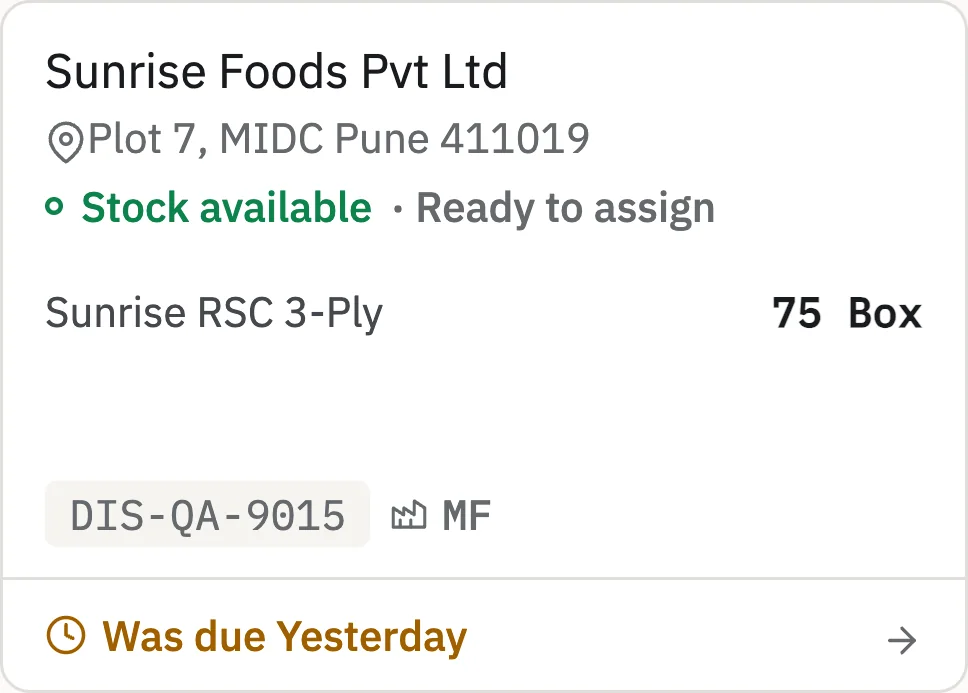
Zofbox dispatch card reading Stock available, Ready to assign, for 75 boxes of Sunrise RSC 3-Ply, with an address line and a due date that has passed.
Ready to assign Stock covers the load. Assign batches next.
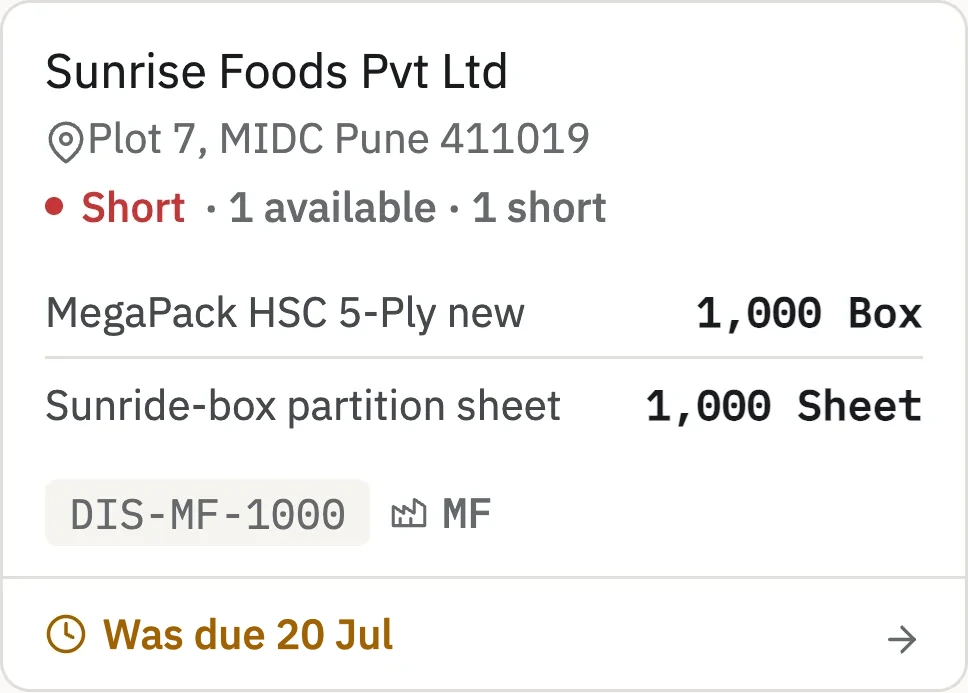
Zofbox dispatch card marked Short in red with the line 1 available, 1 short, listing a box item and a sheet item, past its due date.
Short Stock does not cover the load. You see it before the truck is booked, not at the gate.
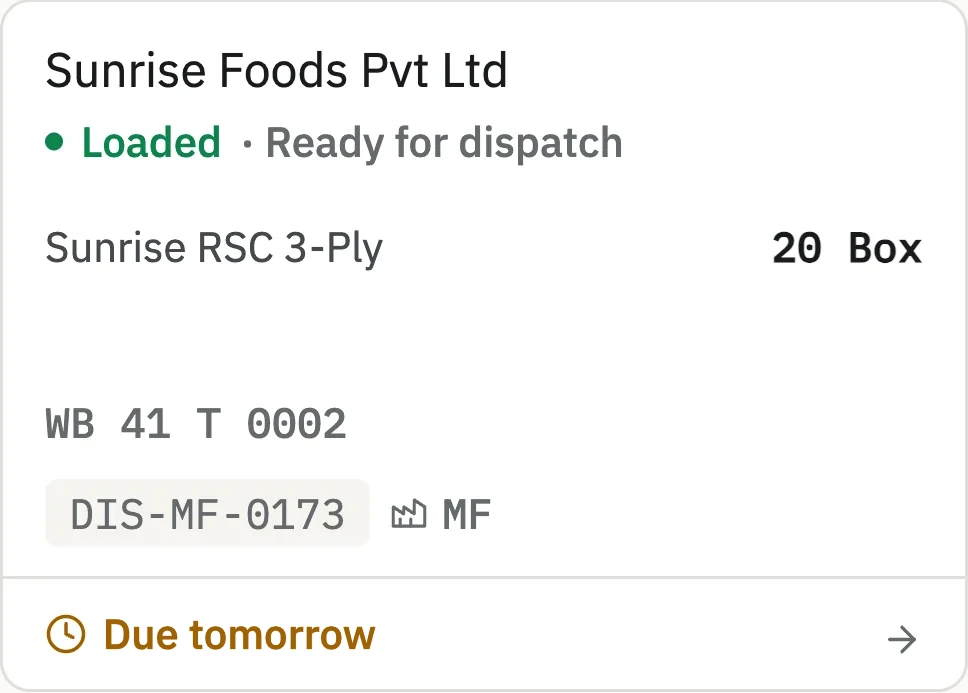
Zofbox dispatch card reading Loaded, Ready for dispatch, with a vehicle number and a due date that has passed.
Loaded On the truck. The vehicle and how late it is are on the card.

One dispatch, four moments: planned, claimed, reserved, on the road.

schedule

See a short load before you book the truck.

Scheduling plans the dispatch and shows whether stock covers it. Nothing is claimed yet, so you can fix a short load while there is still time.

Zofbox dispatch list, Scheduled group, listing four planned dispatches with the day, customer, product and quantity, under the Dispatch heading with the other groups collapsed.
Scheduled Planned dispatches for the days ahead, by customer and product.
Zofbox dispatch at the Scheduled stage with the stage tracker and the actions Load, Edit schedule, Assign batches, Print slip and Delete dispatch.
Just created Right after you schedule one, you see its stage and what to do next: load it, edit it, assign batches, print the slip or delete it.
load

Reserve the stock, not just the quantity.

Assigning batches claims stock for this dispatch, so no other dispatch counts it as free. Loading reserves it for real, line by line, before the truck leaves.

Zofbox dispatch at the Scheduled stage with the Assign batches table of batches, pick locations, available stock and the Save batches button.
Assign batches Assigning claims stock for this dispatch. Each batch shows how much is available, and the line shows how much is still unassigned.
Zofbox dispatch at the Loaded stage with its lines, the Mark dispatched action and the dispatch checklist showing the invoice and vehicle number.
Load the truck Loading reserves the stock. It shows what was planned against what went on, and the invoice, vehicle and driver checklist before it leaves.
transit

Every load on the road, until it is marked delivered.

Dispatch is the moment a load leaves your premises. It is never mixed up with a draft or a scheduled one.

Zofbox dispatch list, In transit group, showing three dispatch cards with days in transit, vehicle number and invoice, with the other groups collapsed.
In transit Loads on the road, with days since dispatch, the vehicle and the invoice. In this sample, 101 are in transit.
Zofbox dispatch at the Dispatched stage with the stage tracker, invoice and vehicle details and a Mark delivered button.
Dispatched A dispatched load shows its stage, invoice and vehicle, and one action left: mark delivered.

Start with one order.

Your company name and email are all we need to begin.

Sign up